How AI SOAP Notes Work for Veterinarians
A plain language look at how an AI scribe turns an appointment or a quick dictation into a finished veterinary SOAP note.
 Nick Gastis · October 7, 2026 · 2 min read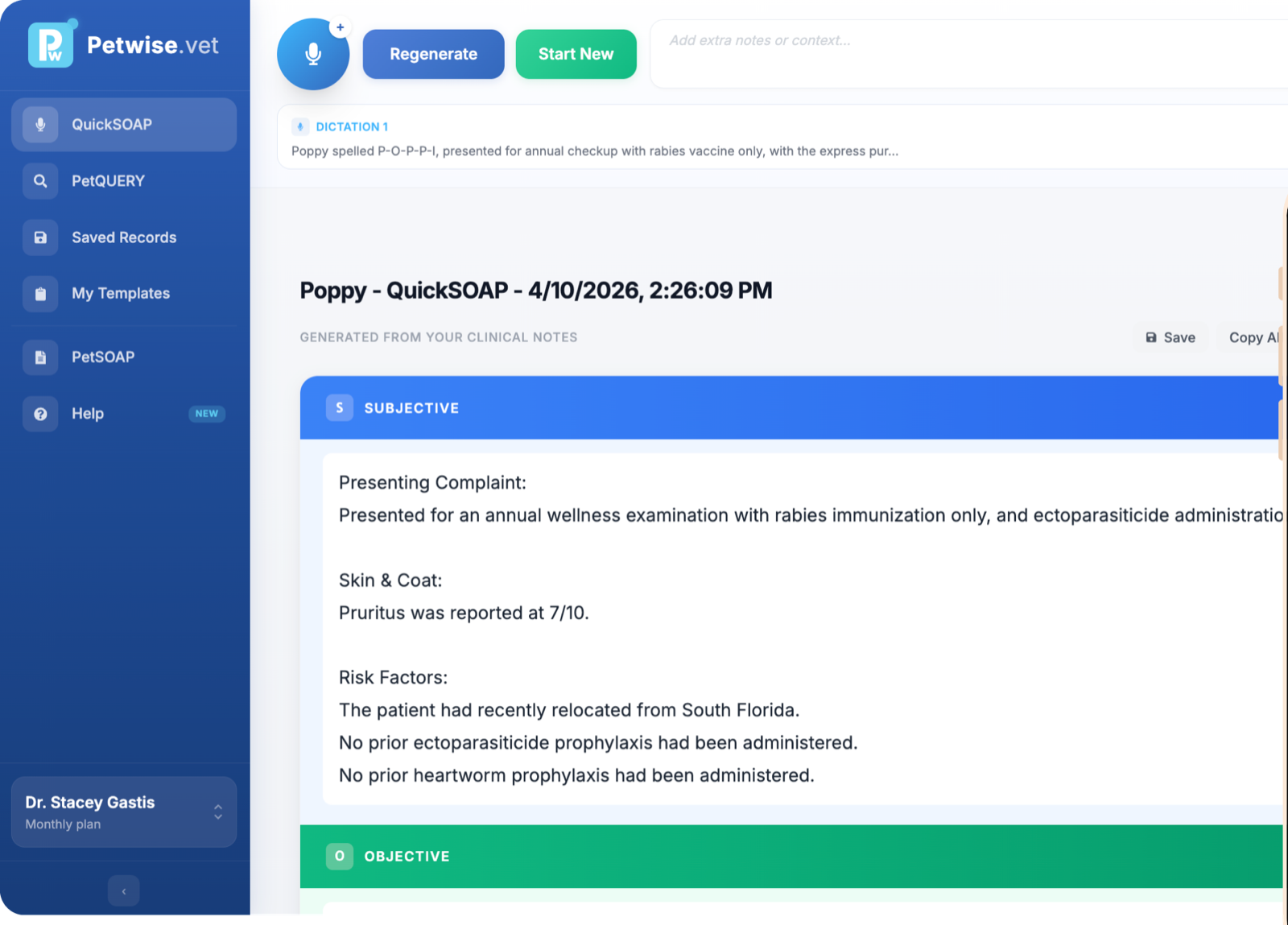
You talk, and a few seconds later there's a finished SOAP note. It can feel like magic the first time. It isn't, and knowing what's happening under the hood helps you get better notes out of it.
Here's how AI SOAP notes work, step by step.
Step 1: Capturing what happened
Everything starts with input. With PetWise there are three ways in:
- Listen to the appointment. Tap record and run the exam as normal.
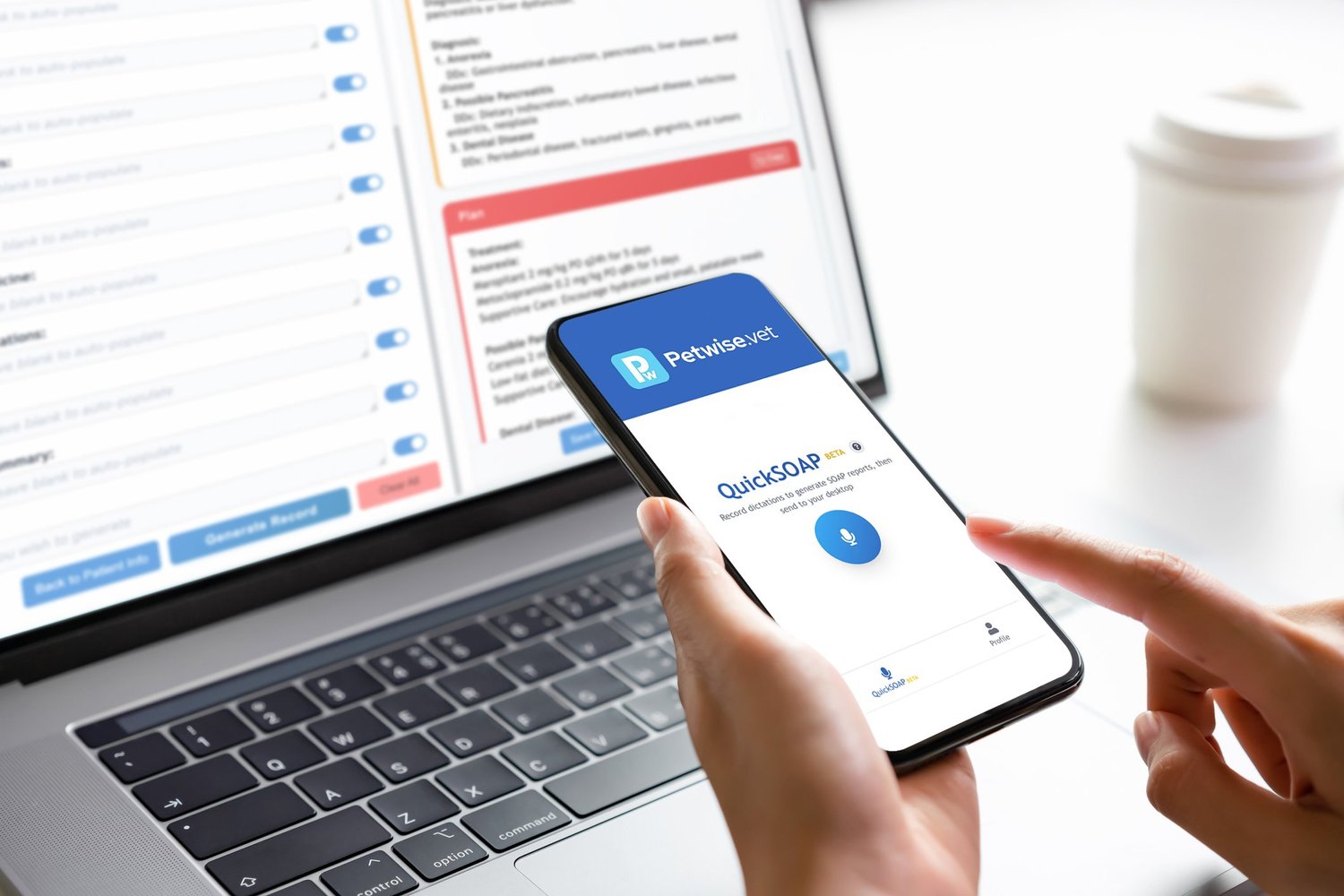
- Dictate. Summarize the case on your phone or computer between rooms.
- Type. Jot down a few findings and let PetWise fill in the rest.
The more specific you are, the better the record. "Mild tartar on 108 and 208" beats "some dental stuff."
Step 2: Turning speech into text
Audio is converted to text with a speech recognition model. This part is about accuracy: getting drug names, breeds and numbers right even with background noise, a barking patient or a client talking over you.
Step 3: Understanding the case
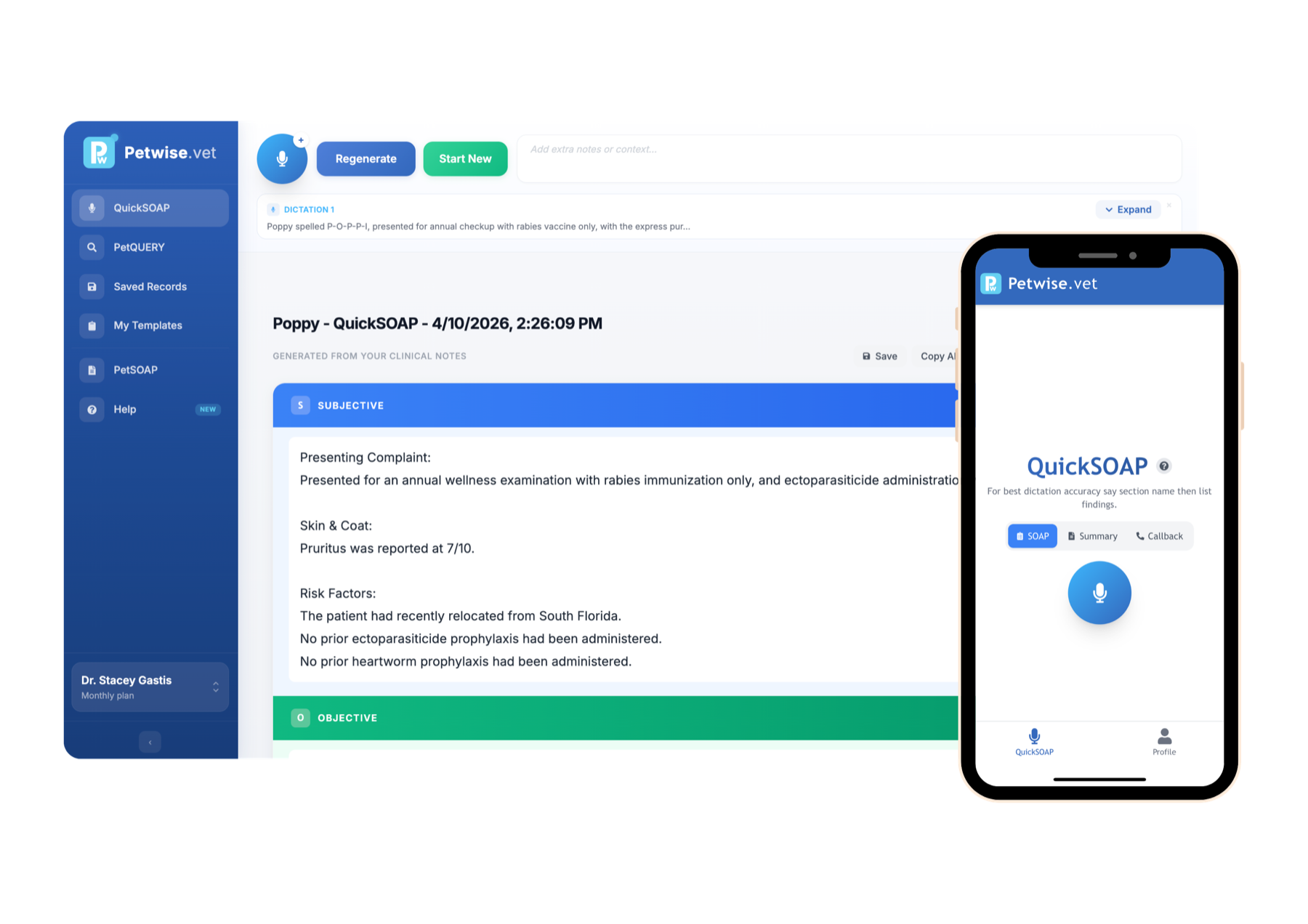
This is where an AI scribe differs from plain dictation software. A language model reads the text and works out what matters clinically:
- What the owner reported, which goes into Subjective
- Vitals, exam findings and diagnostics, which go into Objective
- Your interpretation and differentials, which go into Assessment
- Treatments, medications, recheck timing and client instructions, which go into Plan
Small talk and repetition get dropped. Shorthand gets expanded into proper medical language.
Step 4: Writing it your way
Next, the note is formatted. If you've saved a template, PetWise follows your sections, order and phrasing. If you haven't, it uses a standard veterinary SOAP layout.
This is also where extras come from. The same appointment can produce a client friendly summary or a callback note without you rewriting anything.
Step 5: You review and sign off
AI writes the draft. You stay the doctor.
Read the note, edit anything you want and then copy it into your PIMS or download it as a PDF. Most vets find they're changing a word or two, not rewriting paragraphs.
Tips for better AI SOAP notes
- Say the numbers out loud. Temperature, heart rate, weight, BCS. If you didn't say it, the AI can't know it.
- State your assessment clearly. "Most likely acute gastroenteritis, rule out foreign body" gives the AI something solid to work with.
- Mention the plan in order. Meds, diagnostics, recheck and then client instructions.
- Build a template once. Ten minutes setting up your format saves you edits on every record after.
Try it on your next case
The fastest way to understand AI SOAP notes is to make one. Start a free 10 day trial, run your next appointment through QuickSOAP and see what comes back.